




Free Shipping
Free delivery to your door in 4-6 business days. Order before 11 PM (GMT).

30-Day Free Returns
Not happy? Return it within 30 days, free of charge, for a full refund.
/**
* Common event handler for click and keydown events.
* @param {Event} event – The event object.
* @param {Function} handleClickOrEnter – Function to handle click or Enter key events.
* @param {Function} handleEsc – Function to handle Esc key events.
*/
// [TODO][AplusMantle-8064] Create common event handler util(key events, click events) in AplusModuleResources
function handleClickAndKeyEvents(event, handleClickOrEnterOrSpace) {
const ENTER_KEY_CODE = 13;
const ESCAPE_KEY_CODE = 27;
const SPACE_KEY_CODE = 32;
const isClick = event.type === ‘click’;
const isKeydown = event.type === ‘keydown’;
const isEnter = isKeydown && event.keyCode === ENTER_KEY_CODE;
const isSpace = isKeydown && event.keyCode === SPACE_KEY_CODE;
const isEsc = isKeydown && event.keyCode === ESCAPE_KEY_CODE;
if (isClick || isEnter || isSpace) {
handleClickOrEnterOrSpace();
} else if (isEsc) {
handleEsc(event);
}
}
/**
* Function to handle esc key event.
* @param {Event} event – The event object.
*/
function handleEsc(event) {
event.target.blur() // force remove focus
}
(function(f) {var _np=(window.P._namespace(“PremiumAplusModule”));if(_np.guardFatal){_np.guardFatal(f)(_np);}else{f(_np);}}(function(P) {
P.now(‘premium-module-11-faq’).execute(‘init-premium-module-11-faq’, function(init) {
if (init) {
return;
}
P.register(‘premium-module-11-faq’, function() {
return function() {
P.when(‘A’, ‘jQuery’, ‘ready’).execute(‘premium-11-faq’, function(A, $){
function initFaq(module) {
const MODULE_CLASS_NAME = ‘premium-aplus-module-11’;
const FAQ_CONTAINER_CLASS_NAME = ‘faqs-container’;
const FAQ_BLOCK_CLASS_NAME = ‘faq-block’;
const moduleId = $(module).data(‘faq-block’);
const $faqBlocks = $(‘.aplus-v2 .’ + MODULE_CLASS_NAME + ‘ .’ + FAQ_CONTAINER_CLASS_NAME + ‘.’ + moduleId + ‘ .’ + FAQ_BLOCK_CLASS_NAME);
/**
* Function to handle click or Enter or Space key events.
* @param {Element} element – The this object from which the event is dispatched
* @param {faqBlocks} faqBlocks – List of all the Question and Answer blocks.
*/
function handleClickOrEnterOrSpace(element, faqBlocks) {
const $element = $(element);
const isActive = $element.hasClass(‘aplus-active’);
faqBlocks.removeClass(‘aplus-active’);
faqBlocks.find(‘[data-faq-question]’).attr(‘aria-expanded’, ‘false’);
if (!isActive) {
$element.addClass(‘aplus-active’);
$element.find(‘[data-faq-question]’).attr(‘aria-expanded’, ‘true’);
}
}
/* Using jQuery event namespace for preventing duplicate binding on twister refresh */
$faqBlocks.unbind(‘click keydown.premiumAplusModule11ClickHandler’).bind(‘click keydown.premiumAplusModule11ClickHandler’, function(event) {
handleClickAndKeyEvents(event, () => handleClickOrEnterOrSpace(this, $faqBlocks));
});
}
$(“.aplus-v2 .premium-aplus-module-11 .faqs-container”).each(function(index, module) {
initFaq(module);
});
});
};
});
});
}));
(function(f) {var _np=(window.P._namespace(“PremiumAplusModule”));if(_np.guardFatal){_np.guardFatal(f)(_np);}else{f(_np);}}(function(P) {
P.now(‘premium-module-12-nav-carousel’).execute(‘init-premium-module-12-nav-carousel’, function(init) {
if (init) {
return;
}
P.register(‘premium-module-12-nav-carousel’, function(){
return function() {
P.when(‘A’, ‘jQuery’, ‘a-carousel-framework’, ‘ready’).execute(‘premium-12-nav-carousel’, function (A, $, framework) {
function initiateCarousel(module) {
var MODULE_ID = $(module).data(‘module-id’);
/**
* Carousel button element classname
* @const
*/
var GOTO_BTN_CLASS_NAME = “aplus-goto-btn-” + MODULE_ID;
/**
* Carousel button element active classname
* @const
*/
var GOTO_BTN_ACTIVE_CLASS_NAME = “aplus-active”;
/**
* AUI name for aui carousel
* @const
*/
var CAROUSEL_NAME = “premium-aplus-12-carousel-” + MODULE_ID;
/**
* Module class name
* @const
*/
var MODULE_CLASS_NAME = “.aplus-v2 .premium-aplus-module-12″;
/**
* Carousel text container class name
* @const
*/
var TEXT_CONTAINER_CLASS_NAME = MODULE_CLASS_NAME + ” .aplus-carousel-text-container-” + MODULE_ID;
/**
* Carousel text hidden class name
* @const
*/
var TEXT_CONTAINER_HIDDEN = “aplus-hidden”;
/**
* Carousel horizontal scroll container class name
* @const
*/
var HORIZONTAL_SCROLL_CONTAINER_CLASS_NAME = MODULE_CLASS_NAME + ” .aplus-horizontal-scroll-container-” + MODULE_ID;
function showCarouselText(oldIndex, newIndex) {
var oldClass = TEXT_CONTAINER_CLASS_NAME + “-” + oldIndex;
var newClass= TEXT_CONTAINER_CLASS_NAME + “-” + newIndex;
$(oldClass).addClass(TEXT_CONTAINER_HIDDEN);
$(newClass).removeClass(TEXT_CONTAINER_HIDDEN);
}
function scrollToCarouselButton(scrollLeft) {
if ($(HORIZONTAL_SCROLL_CONTAINER_CLASS_NAME).length) {
$(HORIZONTAL_SCROLL_CONTAINER_CLASS_NAME).animate({scrollLeft}, 200);
}
}
/**
* Creates a CarouselButton class for provided carousel instance
* @param {object} carousel – AUI Carousel instance
* @returns {Class} – CarouselButton Class
*/
function CarouselButtonTemplate(carousel) {
/**
* Button for controlling the active slide
* @constructor
* @param {number} index – slide index
* @param {DOMElement} [elem] – optional DOM element to use as this objects DOM representation
*/
function CarouselButton(index, elem) {
var self = this;
this.index = index;
this.carousel = carousel;
/* create the button element */
this.elem = this.getElem(elem);
this.$elem = $(this.elem); /* store jquery version */
this.elem.addEventListener(‘click’, self.handleClick.bind(self));
this.elem.setAttribute(‘role’, ‘tab’);
/* add this object to the object manager */
CarouselButton.objects.byId[index] = this;
CarouselButton.objects.all.push(this);
}
/**
* Describe behavior for click events on this.elem
* @memberOf CarouselButton
*/
CarouselButton.prototype.handleClick = function(e) {
e.preventDefault();
this.carousel.gotoPage(this.index);
};
/**
* Enter active state
* @memberOf CarouselButton
*/
CarouselButton.prototype.activate = function() {
this.$elem.addClass(GOTO_BTN_ACTIVE_CLASS_NAME).attr(‘aria-selected’, ‘true’);
};
/**
* Enter inactive state
* @memberOf CarouselButton
*/
CarouselButton.prototype.deactivate = function() {
this.$elem.removeClass(GOTO_BTN_ACTIVE_CLASS_NAME).attr(‘aria-selected’, ‘false’);
};
/**
* Returns an existing or creates a new bound element for this object
* @memberOf CarouselButton
* @param {DOMElement} [elem] – optionally provide an existing element in the DOM to use
* @returns {DOMElement} – this objects DOM representation
*/
CarouselButton.prototype.getElem = function(elem) {
if (this.elem) return this.elem;
if (elem) return elem;
var createdElem = document.createElement(‘span’);
createdElem.className = GOTO_BTN_CLASS_NAME;
return createdElem;
};
/** @const Object manager */
CarouselButton.objects = {
byId: {},
all: [],
};
return CarouselButton;
}
framework.onInit(CAROUSEL_NAME, function(carousel) {
/** @const {Class} */
var CarouselButton = CarouselButtonTemplate(carousel);
/* create carousel controls */
var $carouselBtns = $(safeClassSelector(GOTO_BTN_CLASS_NAME));
var btns = $carouselBtns.map(function(i, btnElem) {
return new CarouselButton(i + 1, btnElem);
});
/* activate first one */
CarouselButton.objects.byId[1].activate();
/* Listen to slide changes */
A.on(“a:carousel:” + CAROUSEL_NAME + “:change:pageNumber”, function (data) {
var newCarouselButton = CarouselButton.objects.byId[data.newValue];
var marginLeft = parseInt(getComputedStyle(newCarouselButton.elem).getPropertyValue(‘margin-left’));
var positionLeft = newCarouselButton.elem.offsetLeft – marginLeft;
newCarouselButton.activate();
CarouselButton.objects.byId[data.oldValue].deactivate();
scrollToCarouselButton(positionLeft);
showCarouselText(data.oldValue, data.newValue);
});
});
/**
* @returns {string} – css classname prefixed with module selector
*/
function safeClassSelector(className) {
return ‘.’ + MODULE_CLASS_NAME + ‘ .’ + className;
}
}
$(‘.aplus-v2 .premium-aplus-module-12 .aplus-carousel-container’).each(function (index, module) {
initiateCarousel(module);
});
framework.createAll();
framework.initializeAll();
});
}
})
});
}));


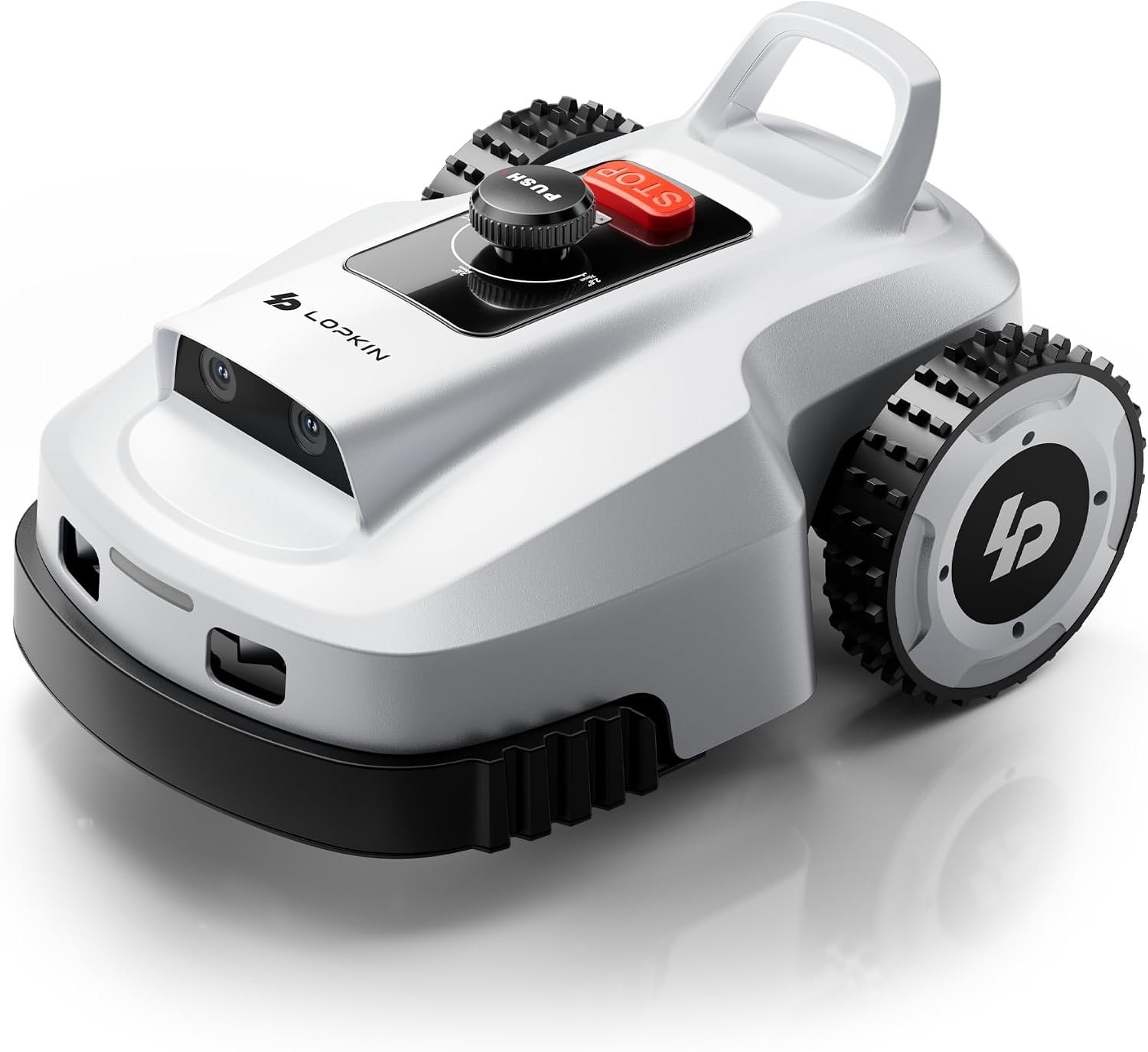
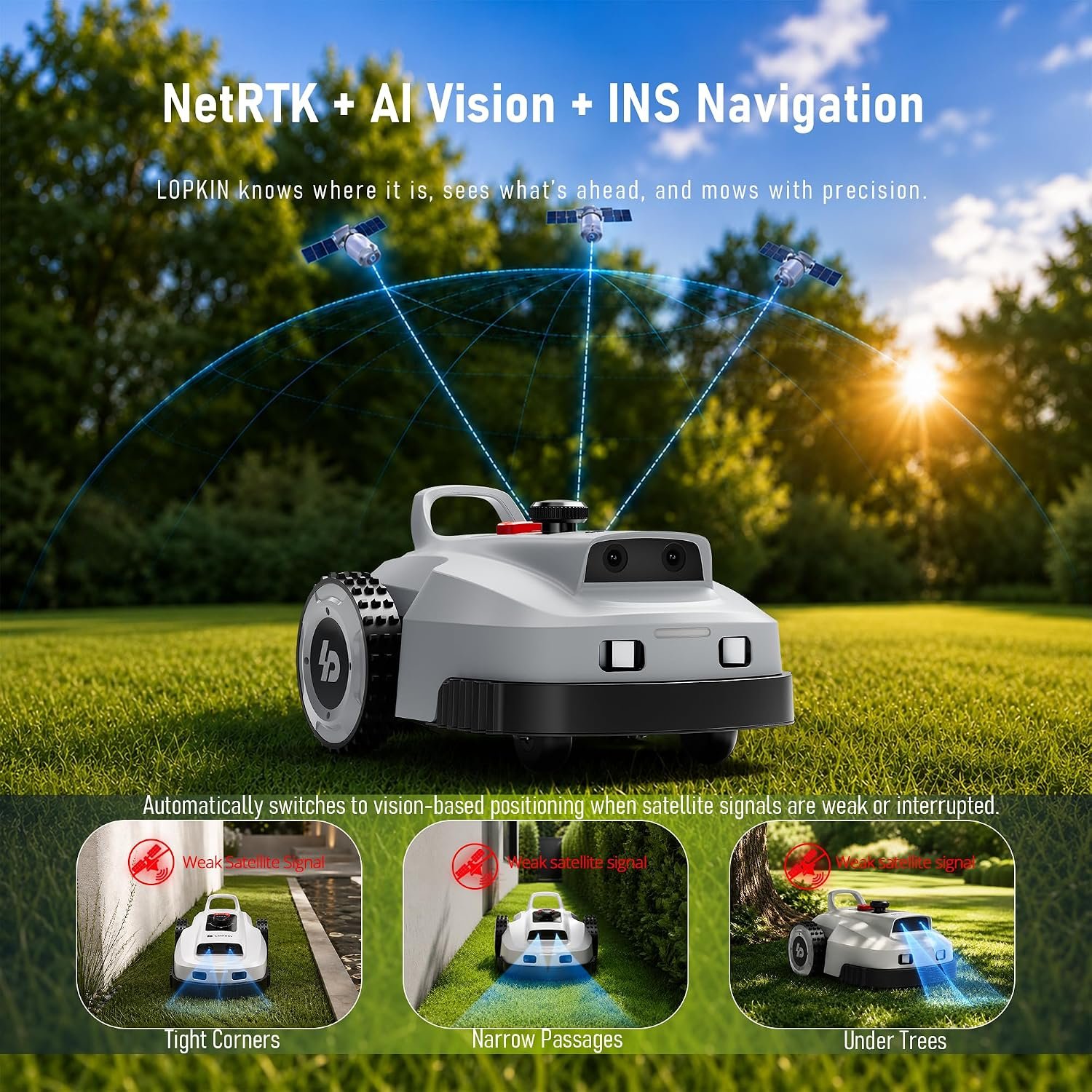
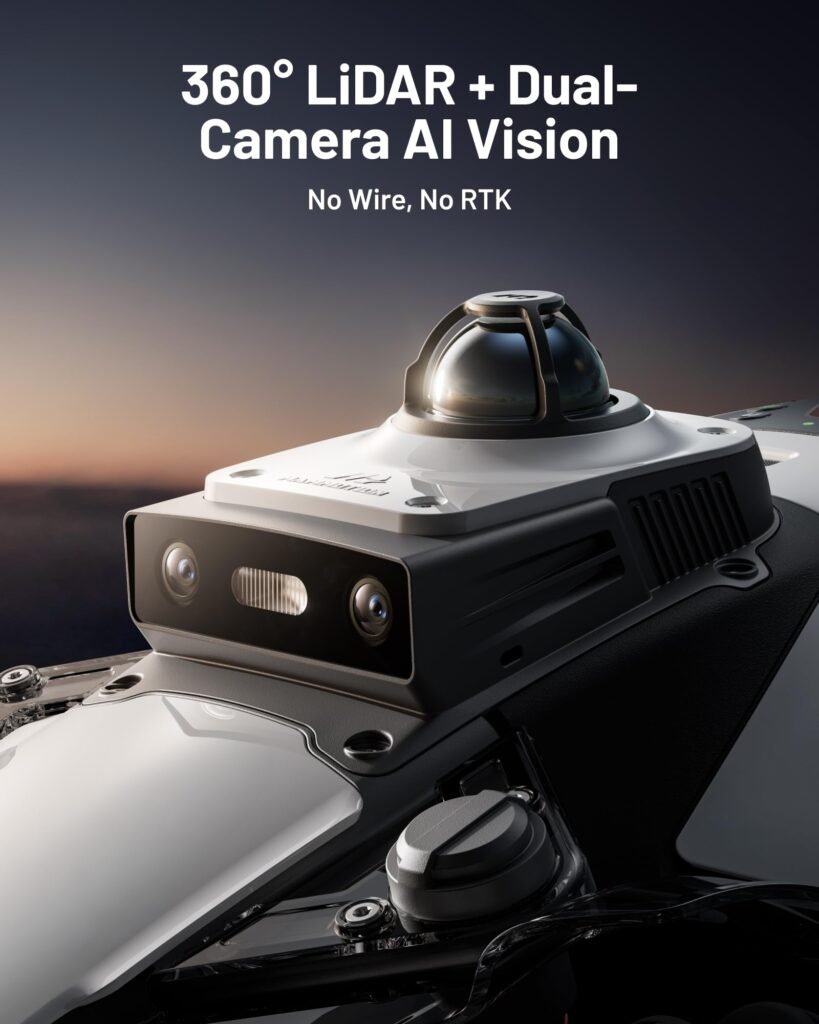
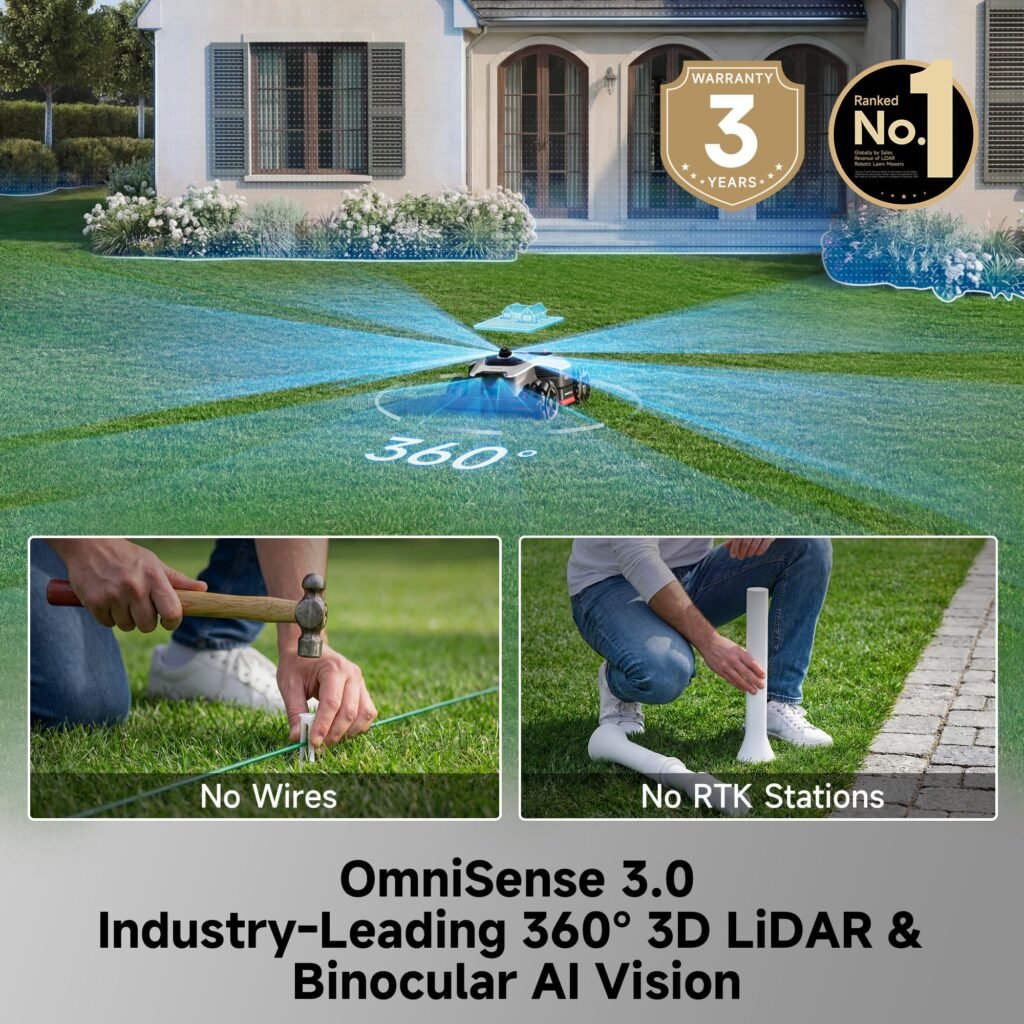
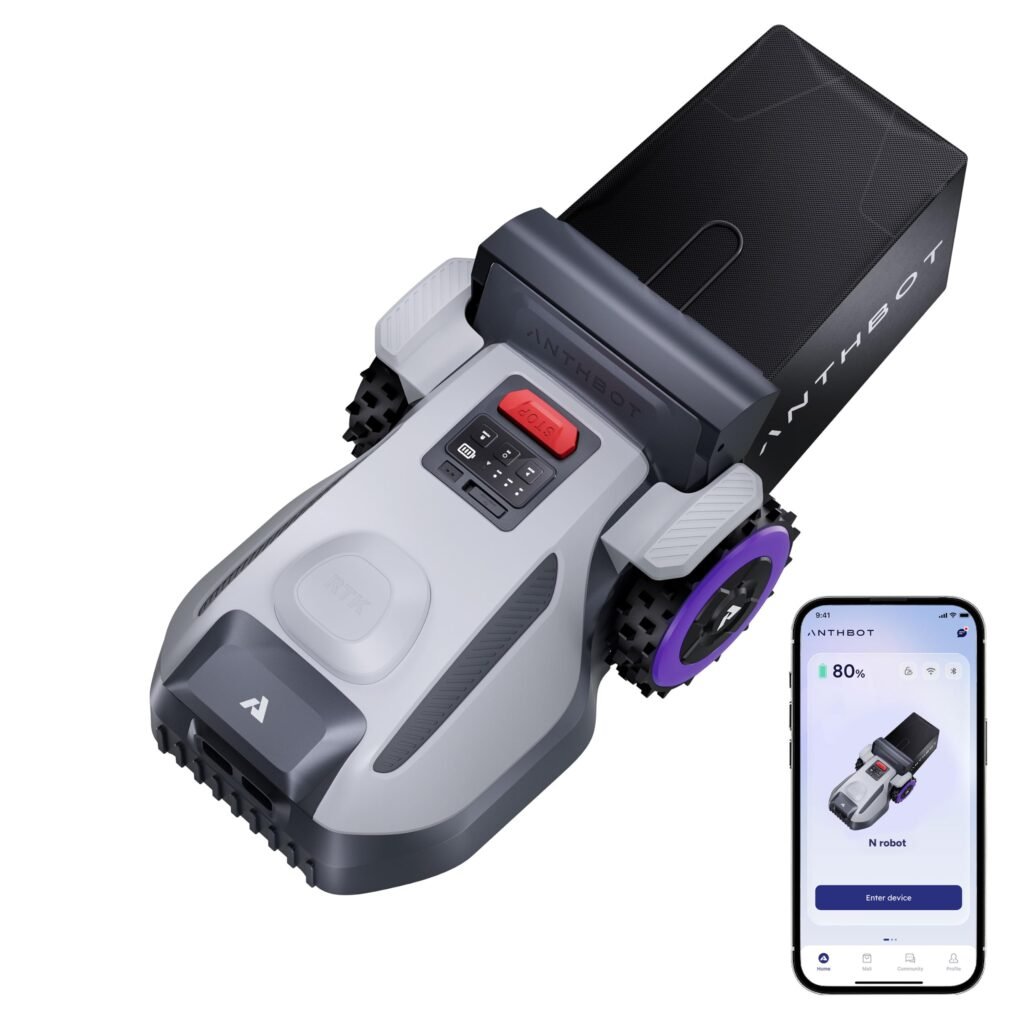
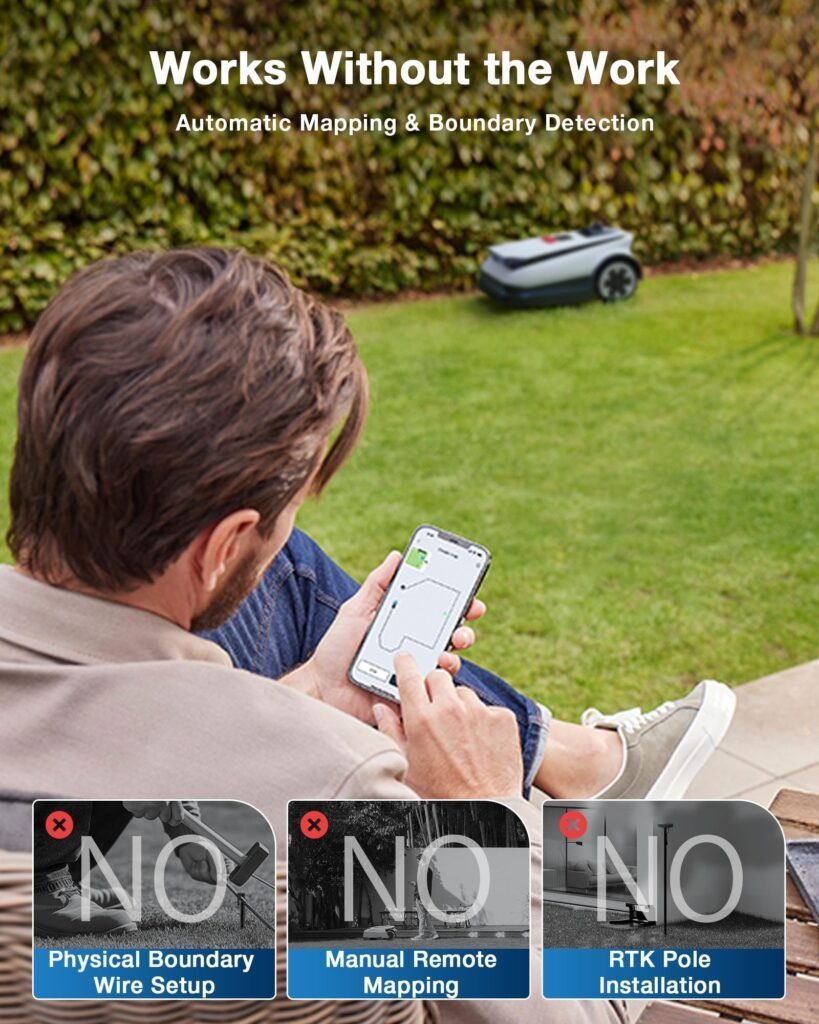
- NetRTK + AI Vision + GNSS/INS Fusion Navigation: Built for a wire-free experience, this robotic lawn mower combines NetRTK, AI vision, and GNSS/INS fusion for centimeter-level positioning and intelligent path planning. Enjoy NetRTK with no subscription required. The fusion navigation system helps the mower navigate reliably near trees, buildings, and other challenging signal environments for accurate, continuous mowing right out of the box.
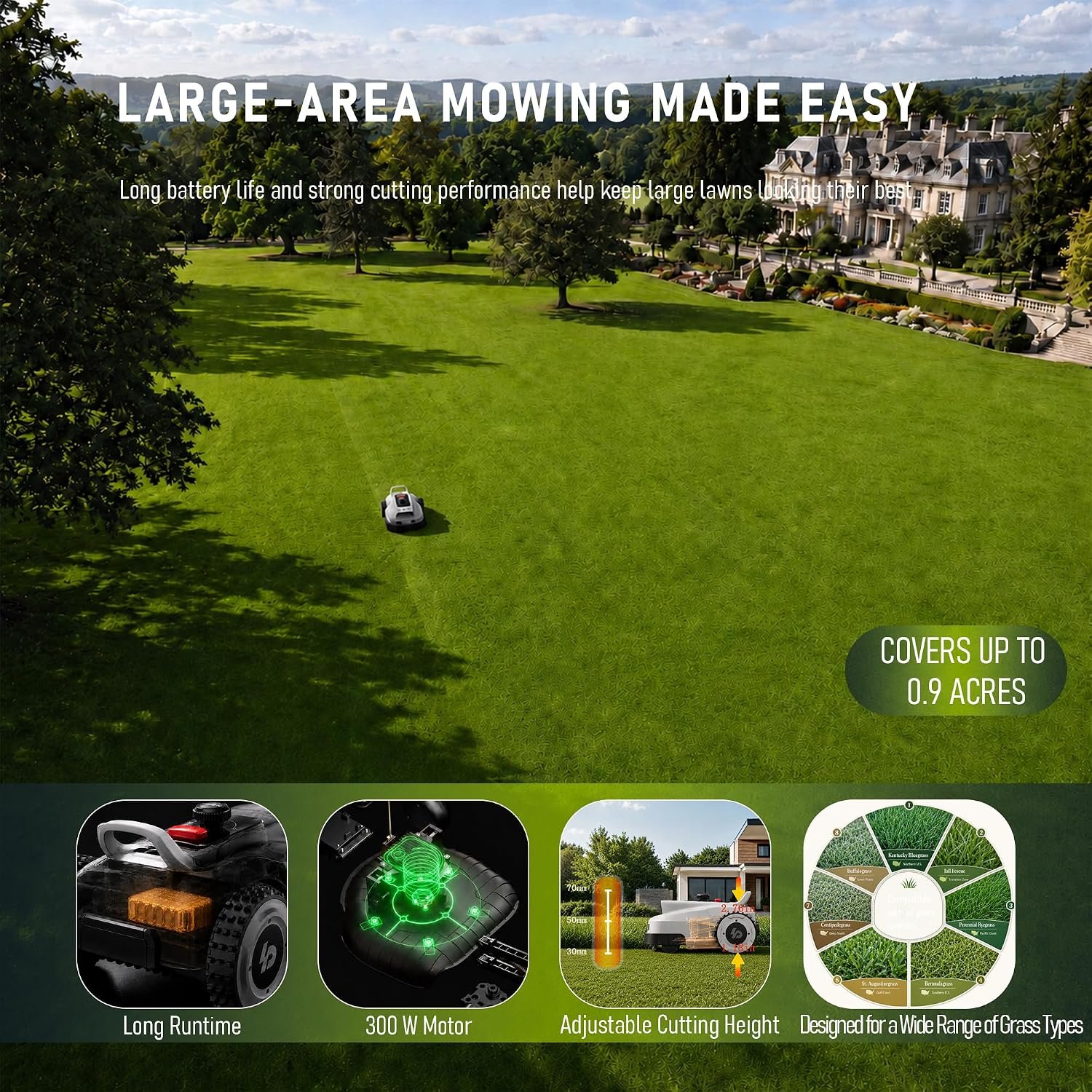
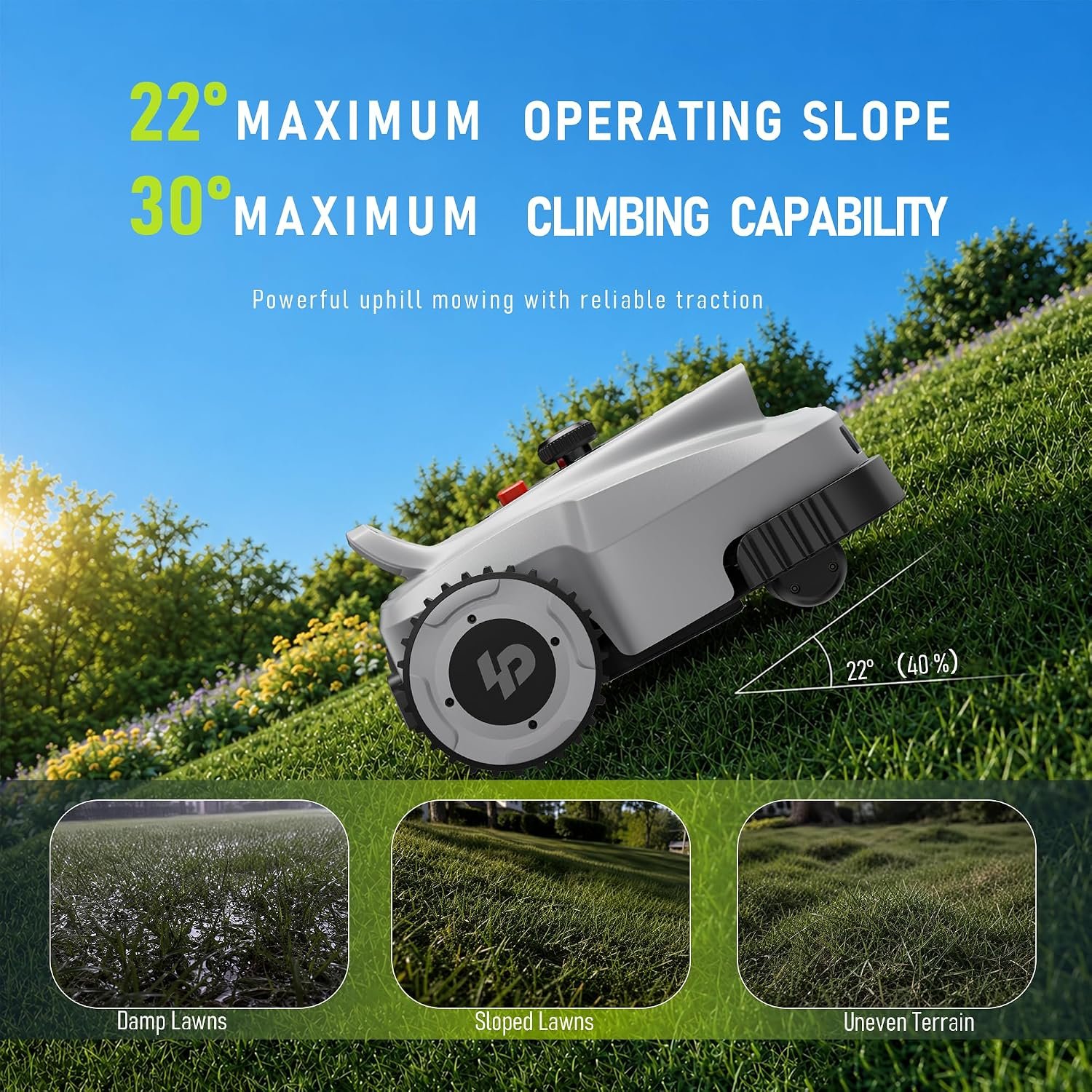
- 0.9-Acre Coverage & 57% Slope Capability: Designed as a robot mower for 0.9-acre lawns, this robot lawnmower covers up to 0.9 acres and handles maximum slopes of up to 57% (30°). With stable performance on gradients up to 40% (22°), the robotic lawnmower maintains reliable traction across uneven ground, hills, and challenging terrain, allowing the robot mower to handle demanding outdoor landscapes with confidence.
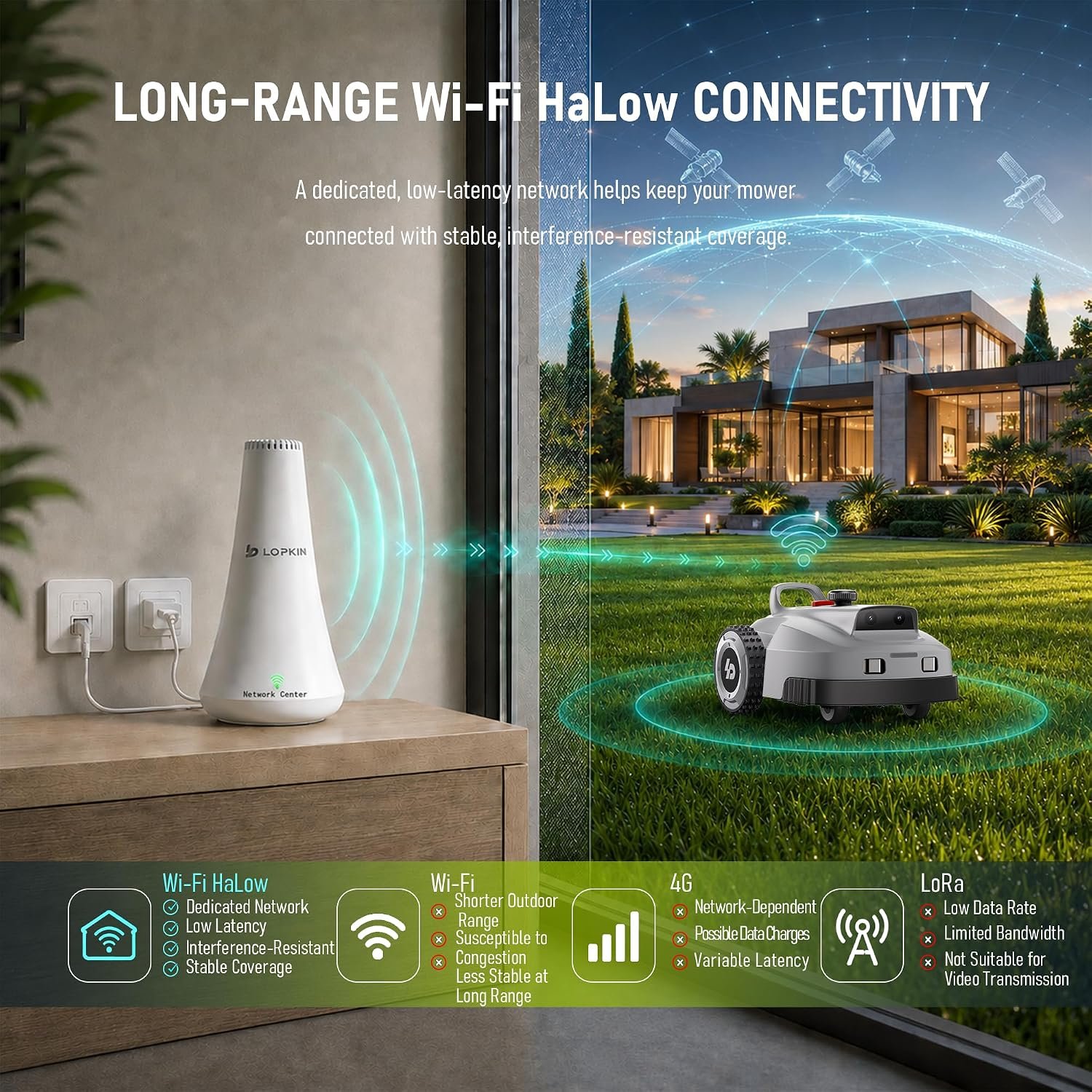
- Wi-Fi HaLow Long-Range Connectivity: This robotic lawn mower includes a dedicated auto-pairing HaLow router for plug-and-play setup. Compared with standard Wi-Fi, HaLow delivers longer range, stronger signal penetration, and coverage up to 80,000 sq. m. (about 20 acres) in ideal open areas. It maintains a stable connection for mapping, monitoring, and remote control across large yards and weak-signal areas. Coverage varies by obstacles, terrain, and interference.
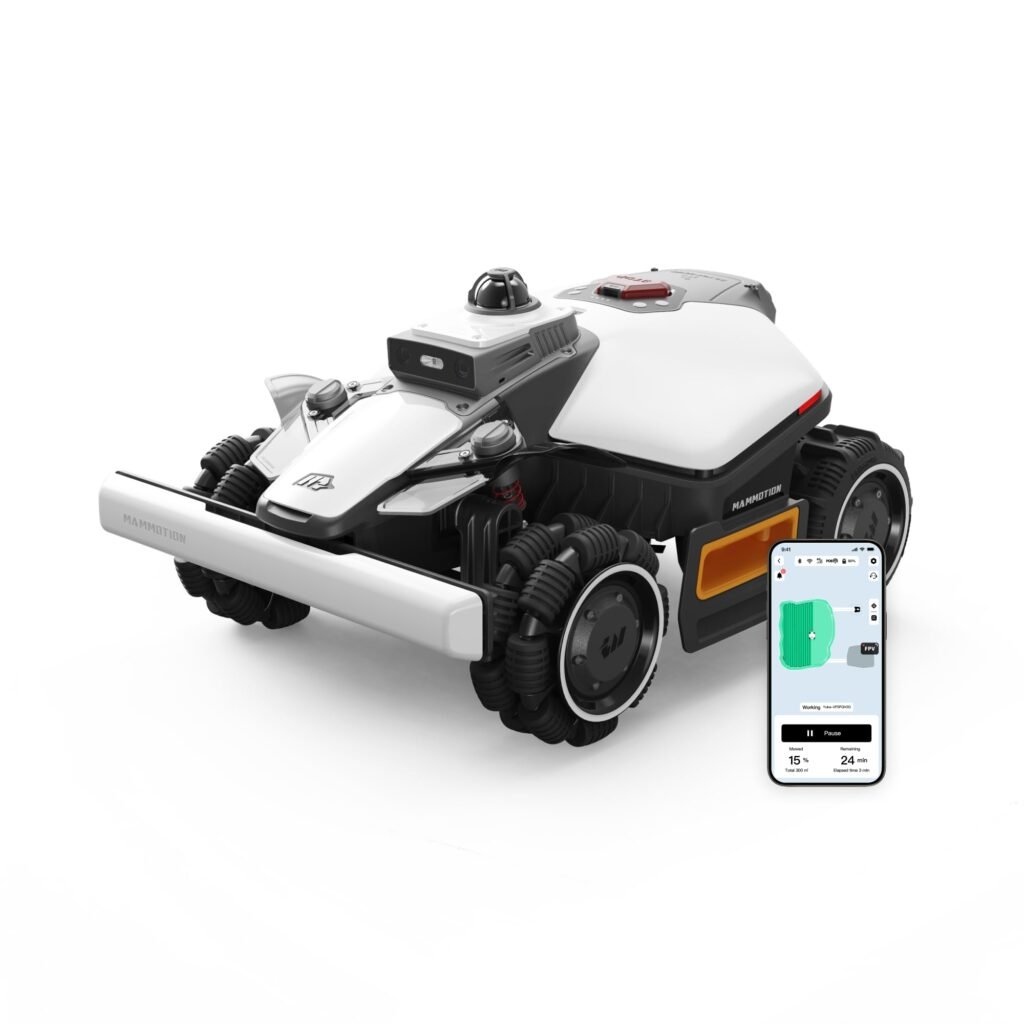
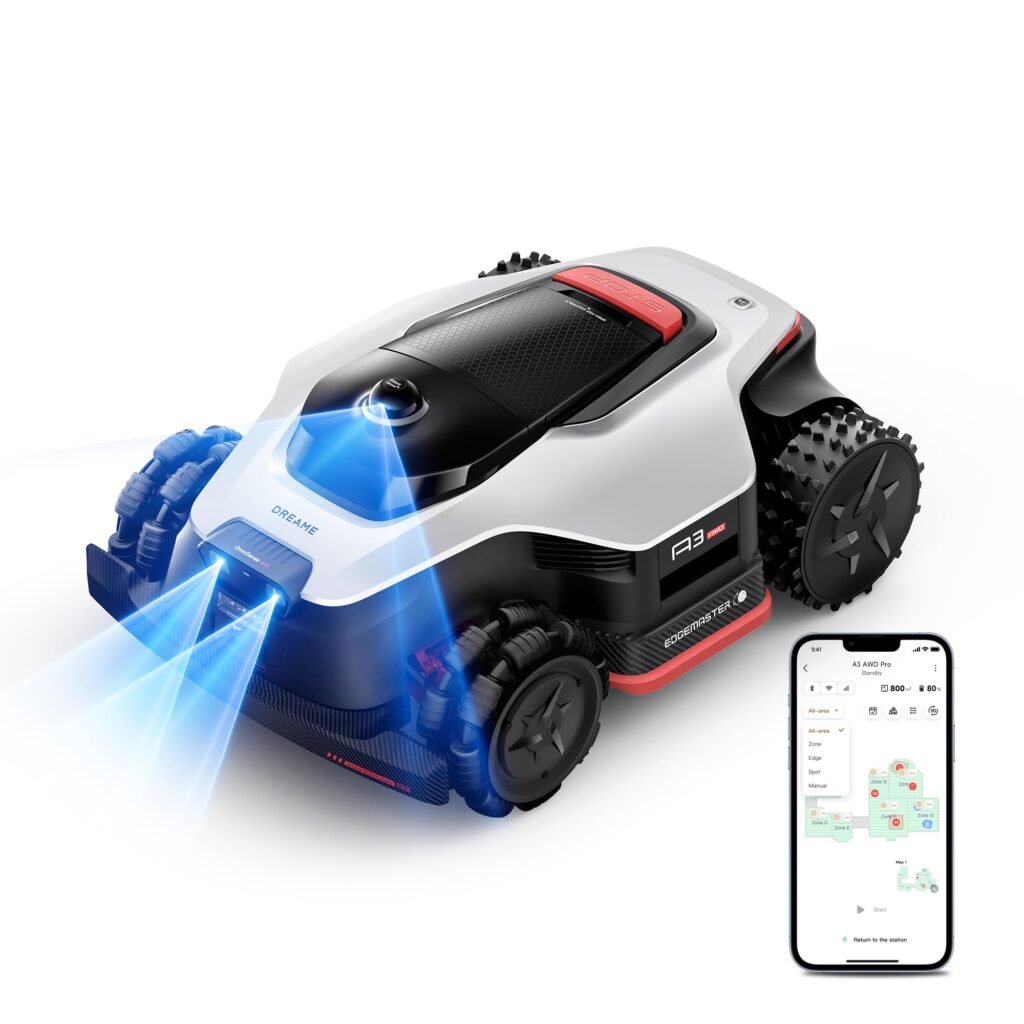
- Smart Lawn-Management App: Control your robotic lawnmower from your phone with the LOPKIN App. Schedule mowing sessions, select cutting modes, monitor real-time progress, and manage every zone covered by your robot lawnmower. With automatic mapping, manual drag-to-map, and app-guided mapping, the robot mower makes it easy to create customized zones and mowing plans for different areas of your yard.
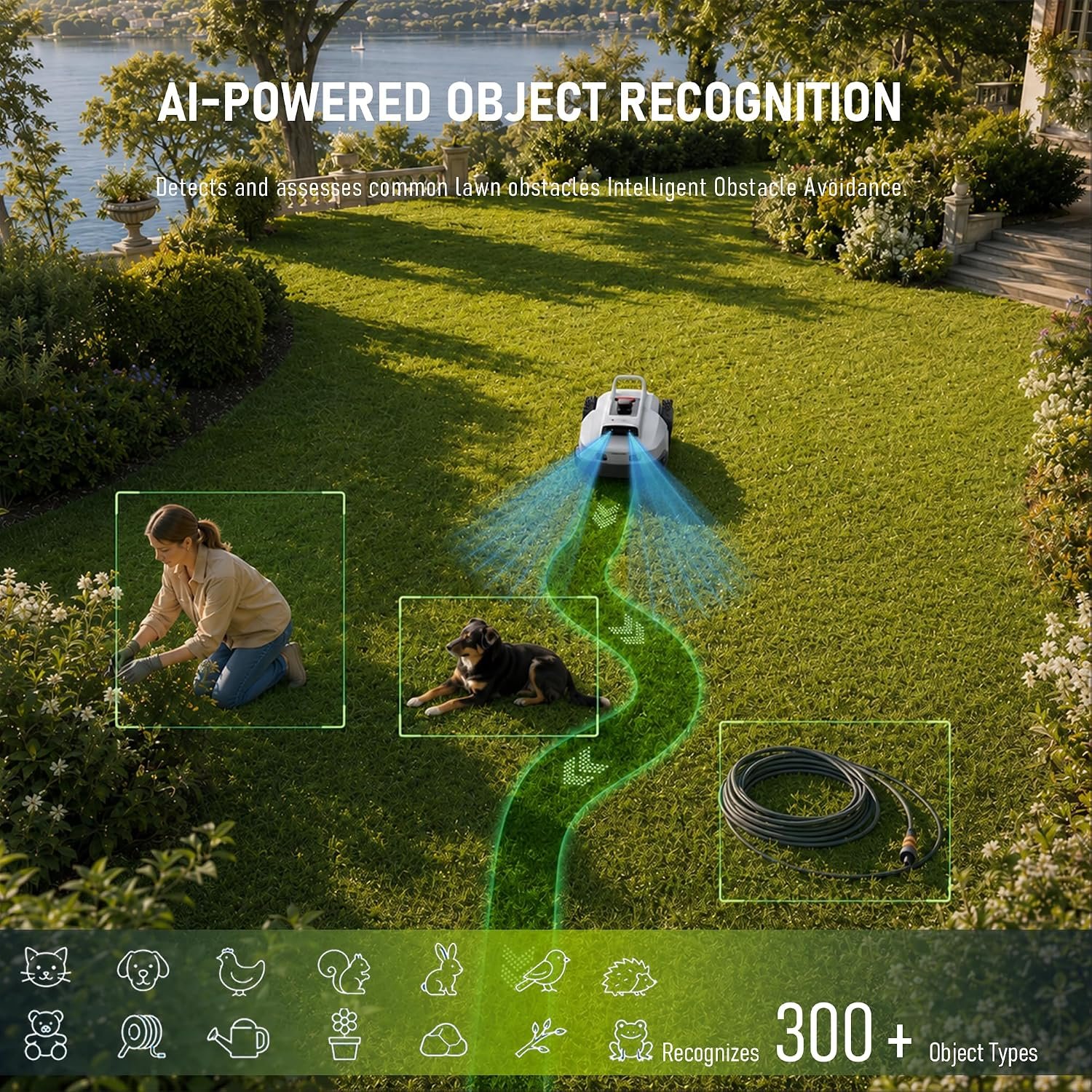
- AI Vision Obstacle Avoidance: This intelligent automatic lawn mower uses advanced AI vision to identify and avoid more than 300 common objects, including pets, children, toys, and garden furniture, without relying on physical collision detection. By continuously analyzing its surroundings, the lawn mower robot helps reduce collision risks, allowing the robotic lawn mower to deliver a safer and more automated mowing experience.
- Efficient Cutting & Long-Lasting Battery: This robot mower offers an adjustable cutting height from 1.18 to 2.76 inches (3–7 cm) for different grass types and lawn preferences. It covers up to 2,421 sq. ft. per hour and uses an 8Ah battery for up to 200 minutes of mowing per charge. The included 5A fast charger provides a full charge in approximately 180 minutes.
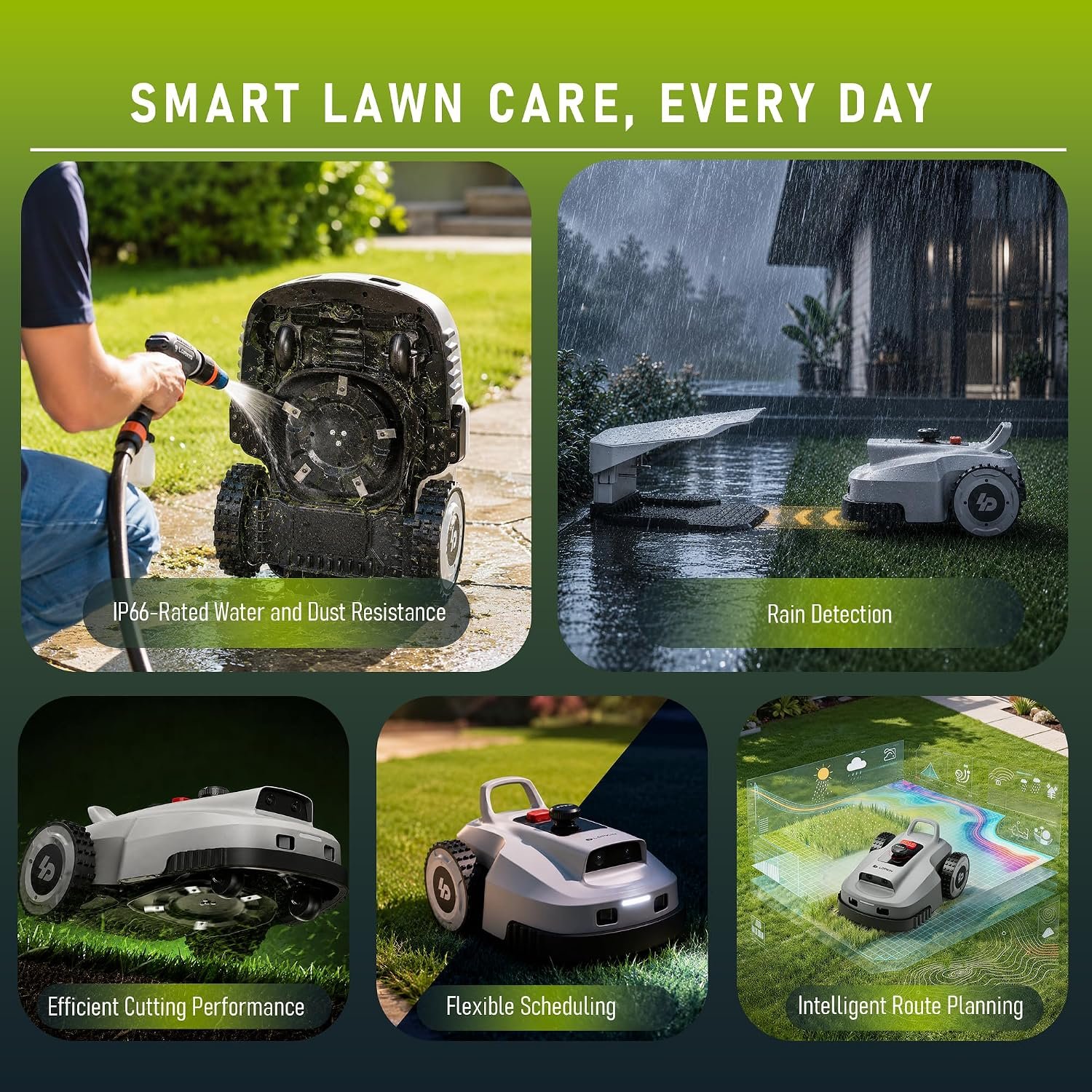
- IP66-Rated Protection & Smart Scheduling: The IP66-rated housing helps protect this robotic lawn mower against dust and water for dependable outdoor use. A built-in rain sensor automatically pauses the robot lawn mower when rain is detected, and the system supports night mowing. Multi-user sharing, multi-device management, customizable mowing paths, and lawn pattern settings make the lawn mower robot easier to manage.
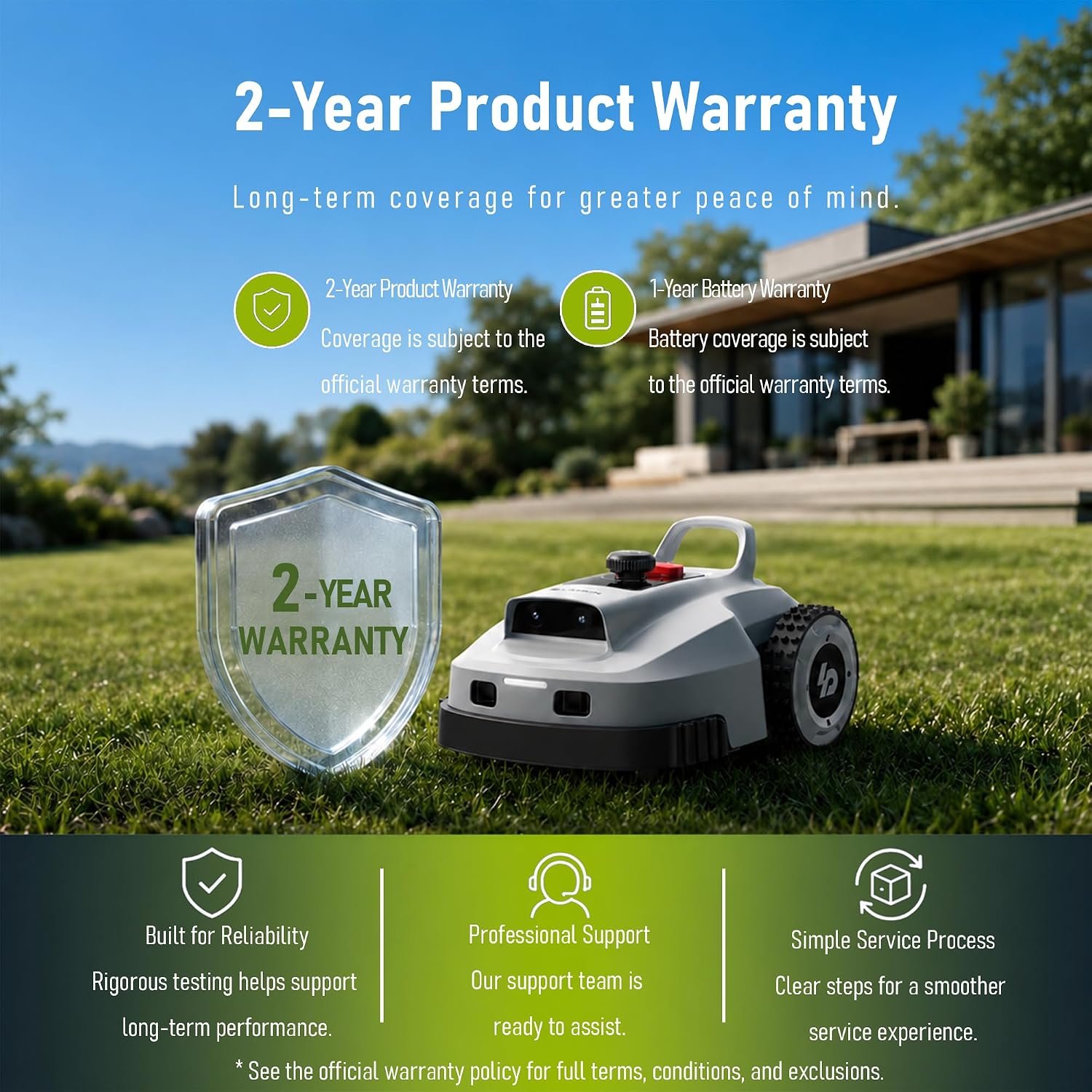
- 2-Year Mower Warranty + Separate 1-Year Battery Warranty: The L2500 NEO robot lawn mower is backed by a 2-year mower warranty, while its battery is covered by a separate 1-year warranty. For any product questions regarding your robotic lawnmower, contact our customer service team for answers, troubleshooting support and help confirming warranty eligibility under the applicable warranty terms, helping keep the robot mower operating properly.
| Brand | LOPKIN |
| Power Source | Battery Powered |
| Material | Aluminum, Plastic |
| Color | Light Gray |
| Style | L series |
| Cutting Width | 9.45 inches |
| Operation Mode | Automatic |
| Product Dimensions | 24.5″D x 18″W x 13.4″H |
| EU Spare Part Availability Duration | 1 years |
| Number of Items | 1 |




Reviews
There are no reviews yet.